Money in, money out, and who owes whom
An offline expense tracker. Everything you need for daily spending, and nothing you have to learn.
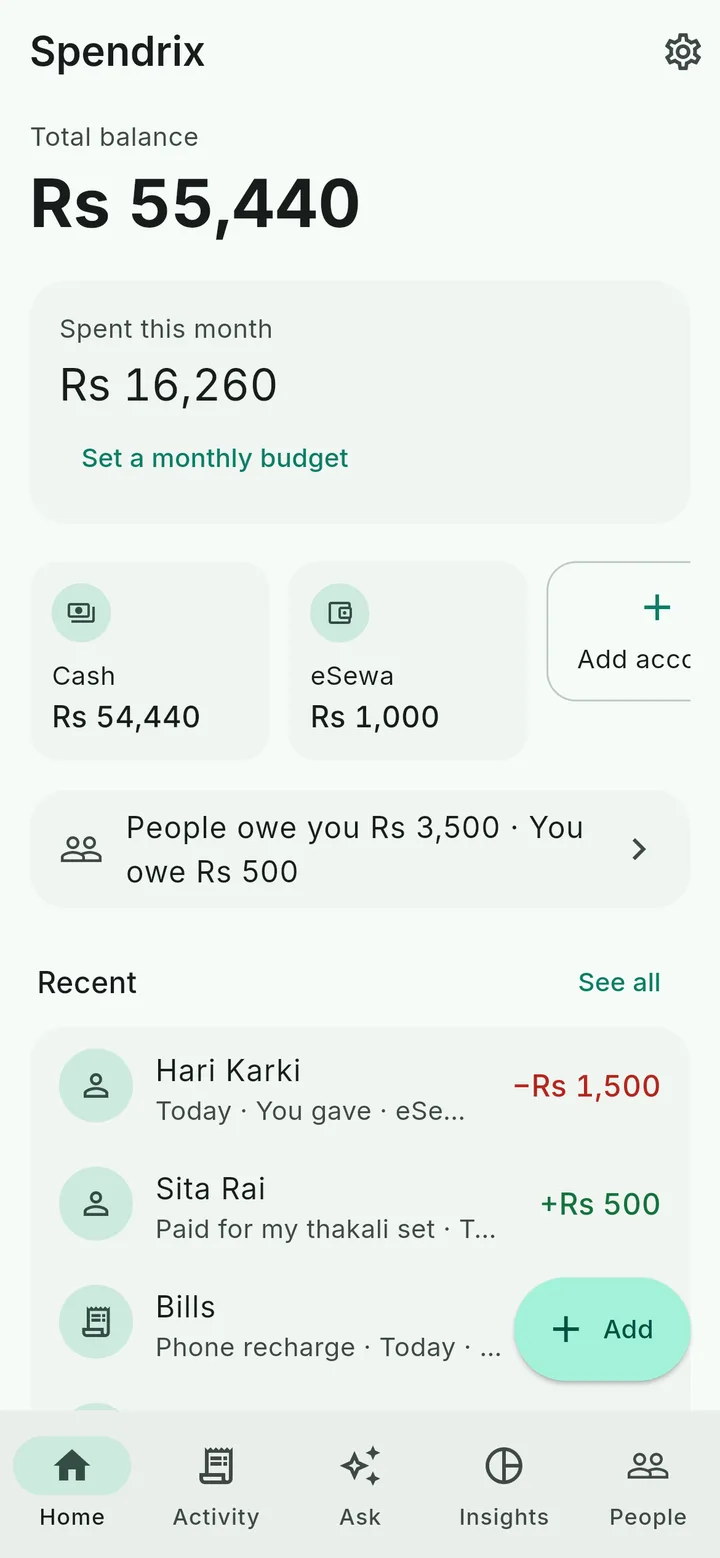
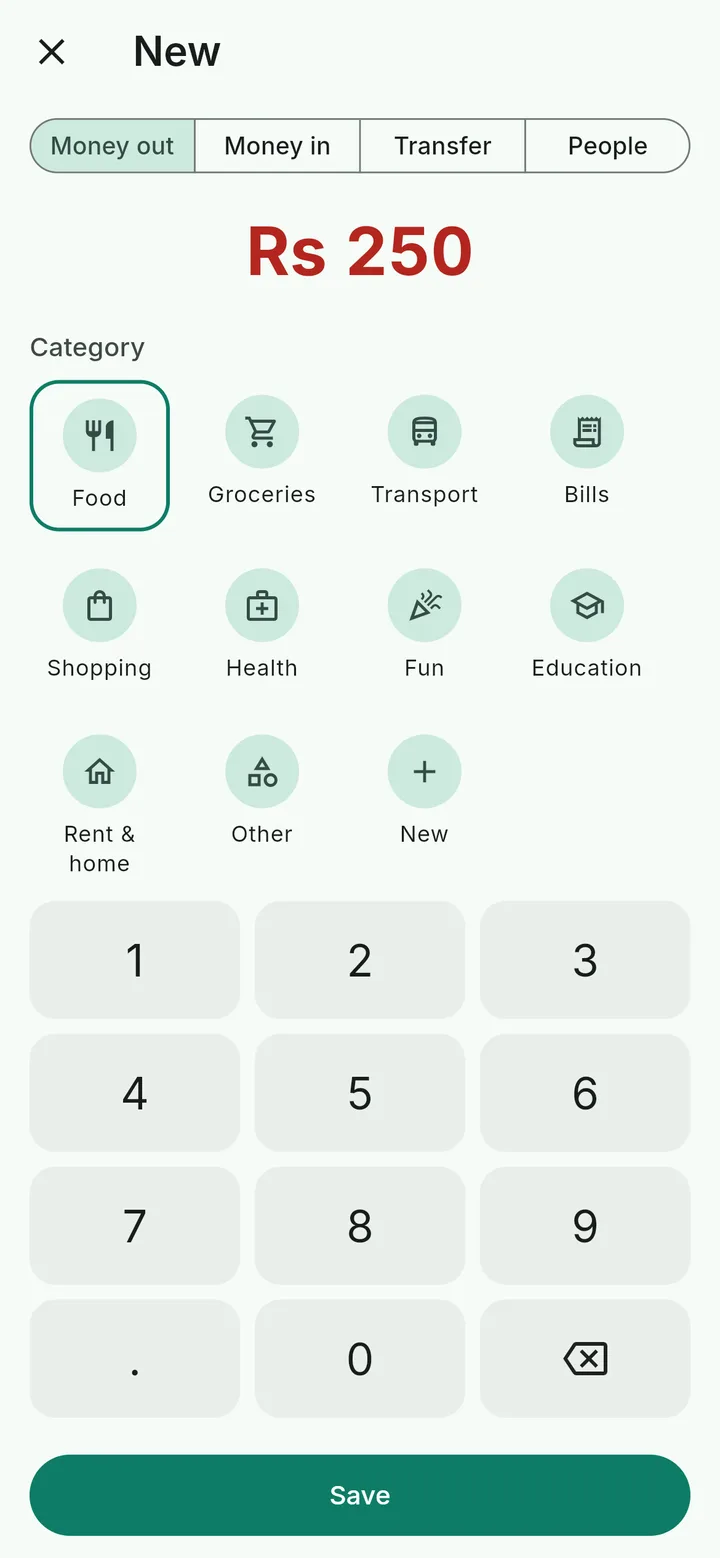
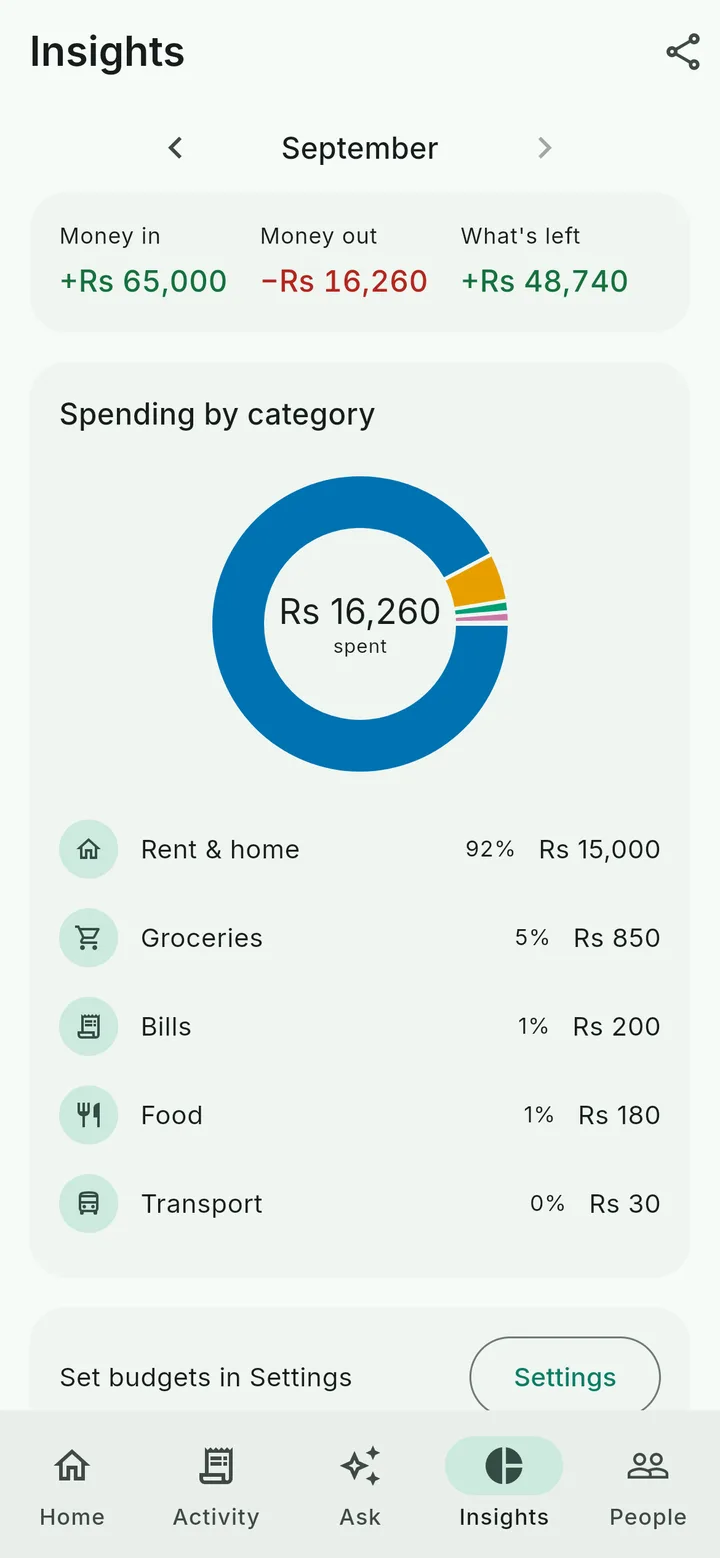
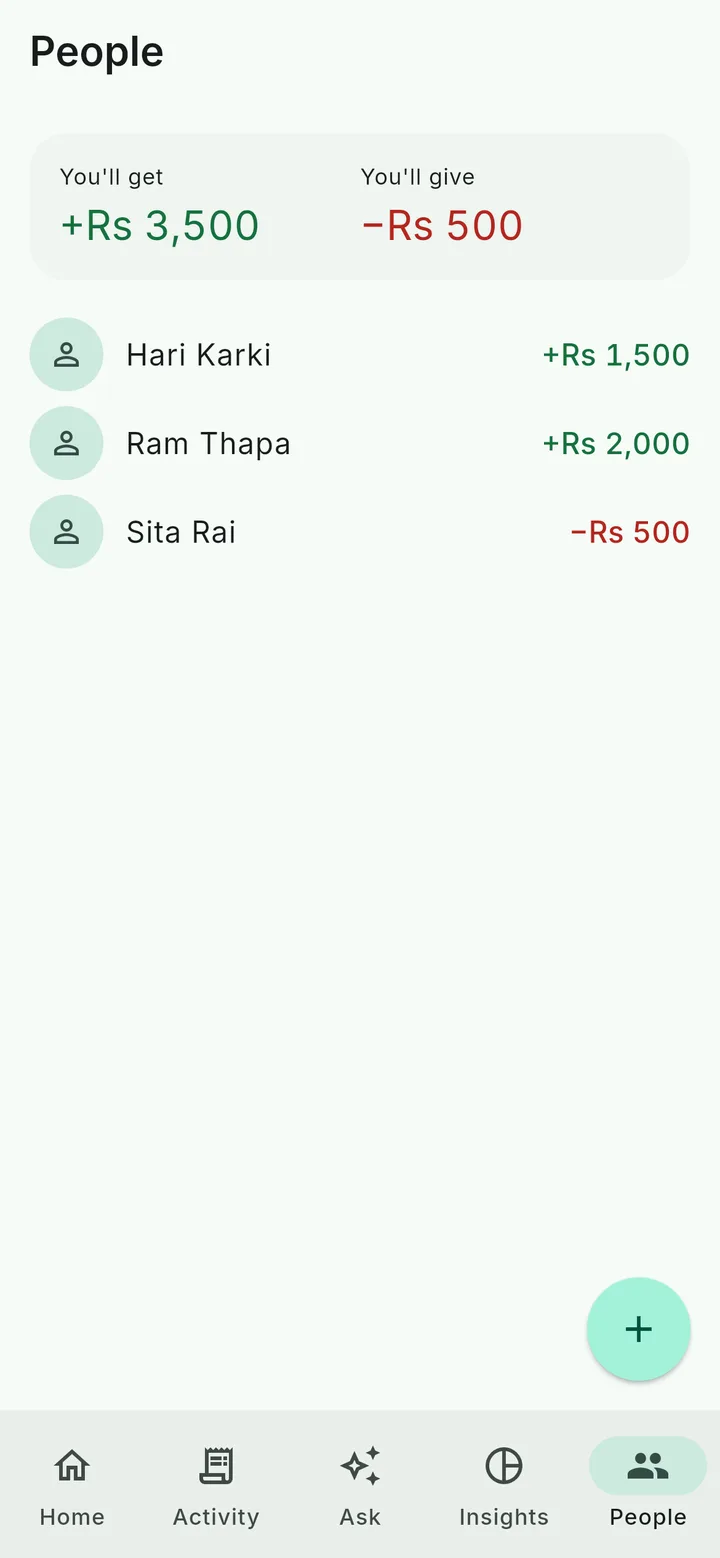
- Rent, salary and other bills that repeat add themselves on the due day.
- Set a monthly budget and a limit for any category.
- Move money between cash, bank and wallets without counting it as spending.
- Works in any currency.
- Lock it with your fingerprint, face or PIN.
- Back up to one file, or export a spreadsheet for Excel.
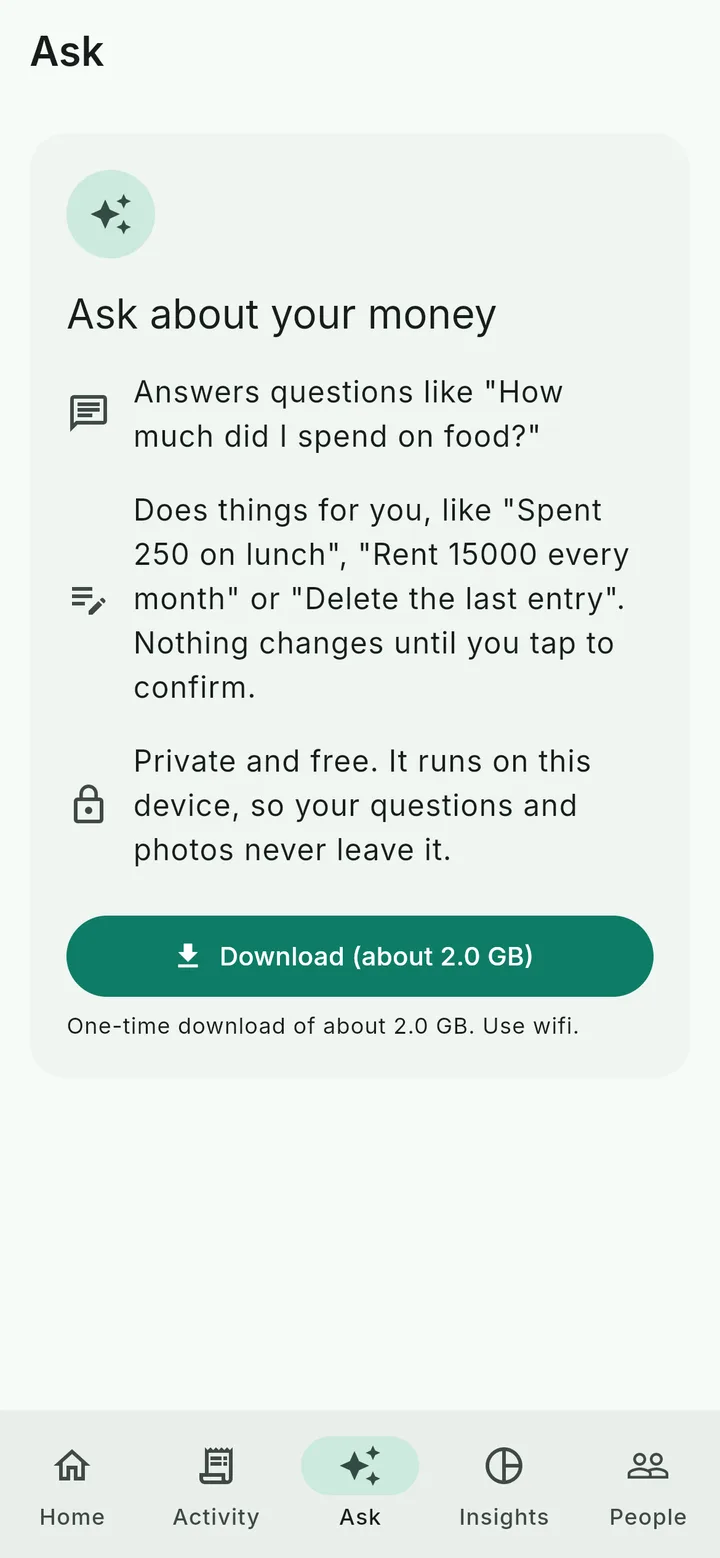
Just say it. It writes the entry.
The helper runs on your own phone or computer. Download it once, 2 to 4 GB depending on the device, and it works with no internet. Your voice, photos and entries never leave the device.
- Type it. "tea 60", "salary 50000", "lent Ram 2000".
- Say it. Tap the mic and say "lunch 450". It understands many languages.
- Snap it. Take a photo of a bill. It fills in the amount, date and shop.
- Ask it. "How much did I spend on food this month?" or "Who owes me money?"
Nothing is saved until you tap Save, and Undo puts it back. In a browser the helper can chat, but voice and photos need the app. Phones with less than 6 GB of memory may be slow.
Your money stays yours
No account needed.Open it and start writing. Nobody asks for your phone number or email.
Saved on your device.Everything lives on your phone or computer and works offline.
Sync only if you want it.Sign in with Google to see the same entries on every device. They're locked on your device before they leave, and only your devices hold the key. Nobody else can read them, us included.
No ads, no trackers.Not in the app, not on this page. The code is public on GitHub for anyone to check.
Get Spendrix
Free on every device. To update, install the new file over the old app. Don't uninstall first, or your data goes with it.
Android
Open the file on your phone and allow the install.
Download .apkInstalled Spendrix 1.3, 2.0.0 or 2.0.1 before? Take this other file once instead. It's only for those versions.
iPhone
Not on the App Store yet. Open the app in Safari, tap Share, then Add to Home Screen. It opens like any other app.
Open appHave a computer? You can install the full app, with voice and receipts, using Sideloadly and this file. Apple makes you redo it every 7 days.
Mac
Drag it to Applications. The first time, go to System Settings, Privacy & Security, and click Open Anyway.
Download .dmgWindows
Unzip it and run
Download .zipspendrix.exe. If Windows says it protected your PC, click More info, then Run anyway.Linux
Extract it and run
Download .tar.gz./spendrix. For 64-bit Intel or AMD.Browser
Nothing to install. The AI helper needs Chrome or Edge.
Open app
Every version and its notes are on GitHub releases.
Questions
Is Spendrix really free?
Yes. There's no paid plan and no ads.
Do I need the internet?
No. Everything works offline. You only need the internet to download the AI helper once, and to sync if you turn it on.
Where is my data kept?
On your device. If you turn on sync, your entries are locked on your device before they leave, and only your devices hold the key.
What if I lose my phone?
Turn on sync, or back up to a file from Settings now and then. Either way you can bring everything back on a new phone.
Why isn't it on the Play Store?
Not yet. Until then you install the file from GitHub. Every release there is built from the public code.
How do I update?
Spendrix shows a card on Home when a new version is out. Install the new file over the old app. Don't uninstall first, that deletes your data.
Which languages does it understand?
The AI helper understands many languages, typed or spoken, including English and Nepali. The app's screens are in English for now.
Which devices can run the AI helper?
Most 64-bit Android phones, iPhones, Macs with Apple chips, and 64-bit Windows and Linux PCs. In a browser it needs Chrome or Edge. Phones with less than 6 GB of memory may be slow. Everything else in Spendrix works without it.
I used Spendrix in my browser before. Where did my entries go?
Nowhere. The web app moved to spendrix.web.app/app/. Open it in the same browser and your entries are right there.